Photos for professionals.
AI-enhanced dating photos for working professionals. Credible, confident, and genuinely attractive. Without the LinkedIn aesthetic.
Professionals often default to LinkedIn-style headshots on dating apps.
Which read as stiff, impersonal, and low-effort. The goal is credibility without formality.
- 01One good headshot is fine. But make sure the rest of your profile shows personality and lifestyle, not just your career.
- 02Avoid the suit-and-tie photo as your lead. Business casual in a real environment (coffee shop, outdoors) reads better.
- 03Show what you do outside of work: travel, sport, cooking, anything that makes you a full person.
- 04AI enhancement is ideal for professionals: improves photo quality dramatically without creating an obviously retouched look.
The set for professionals
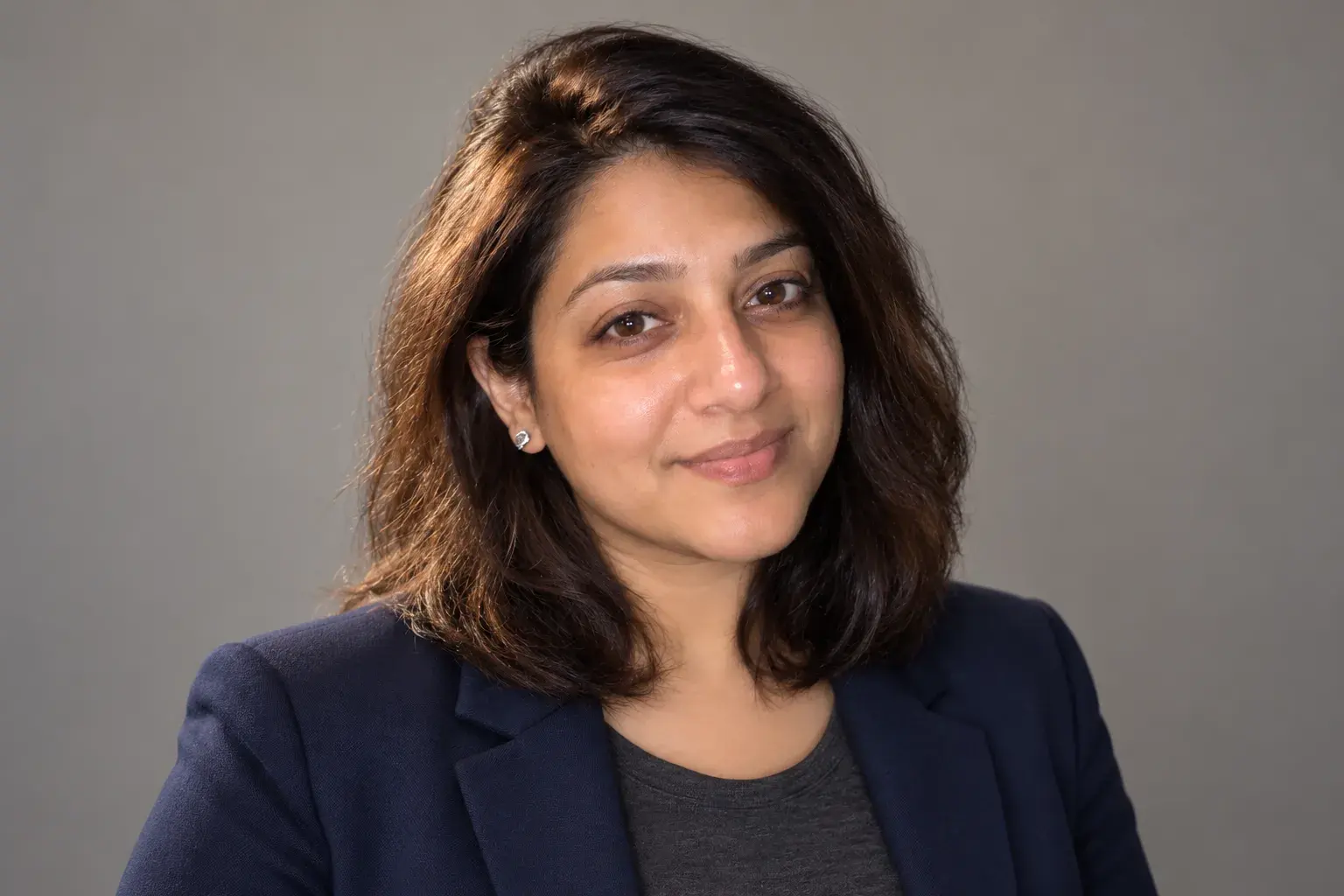
LinkedIn headshot
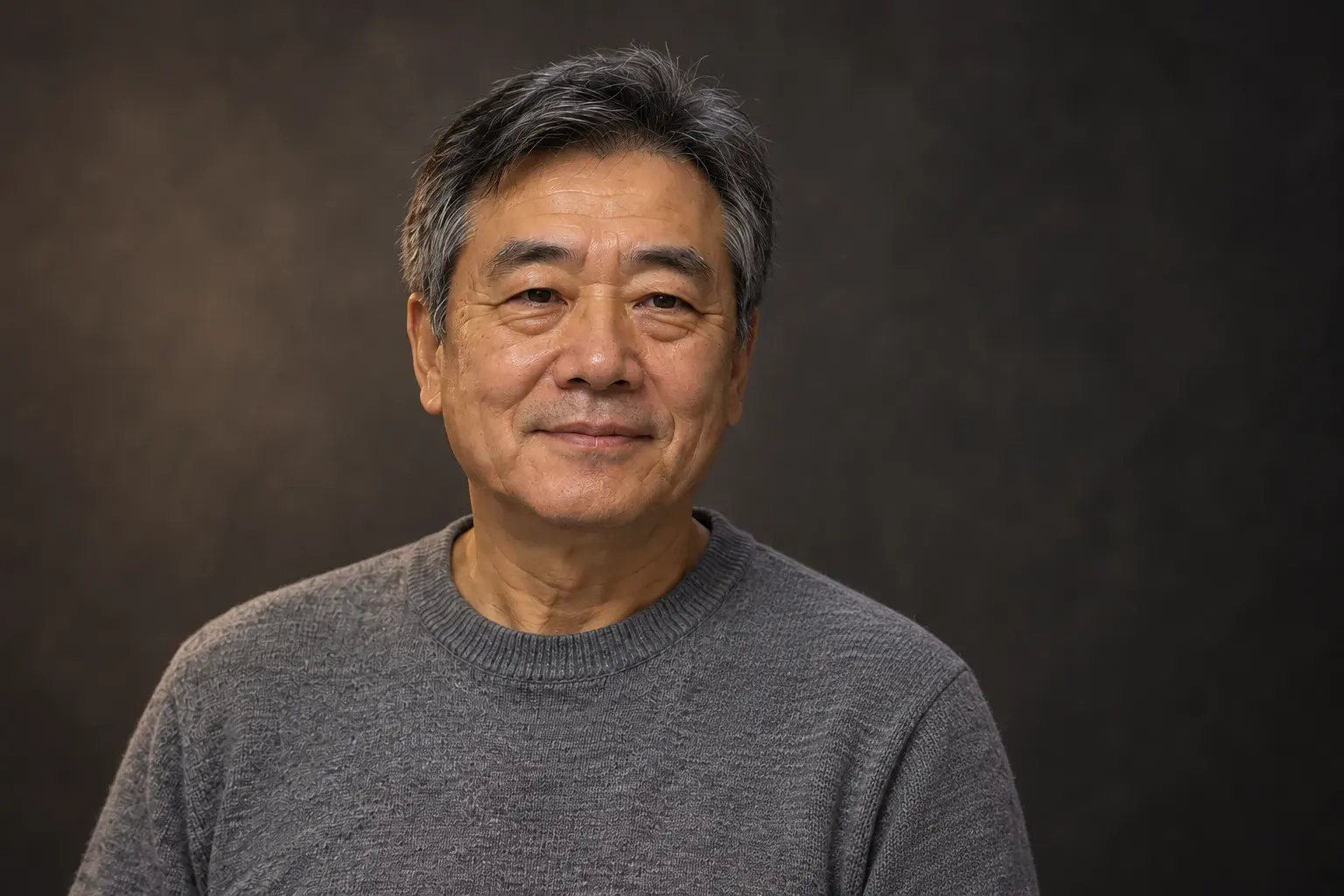
Team page portrait
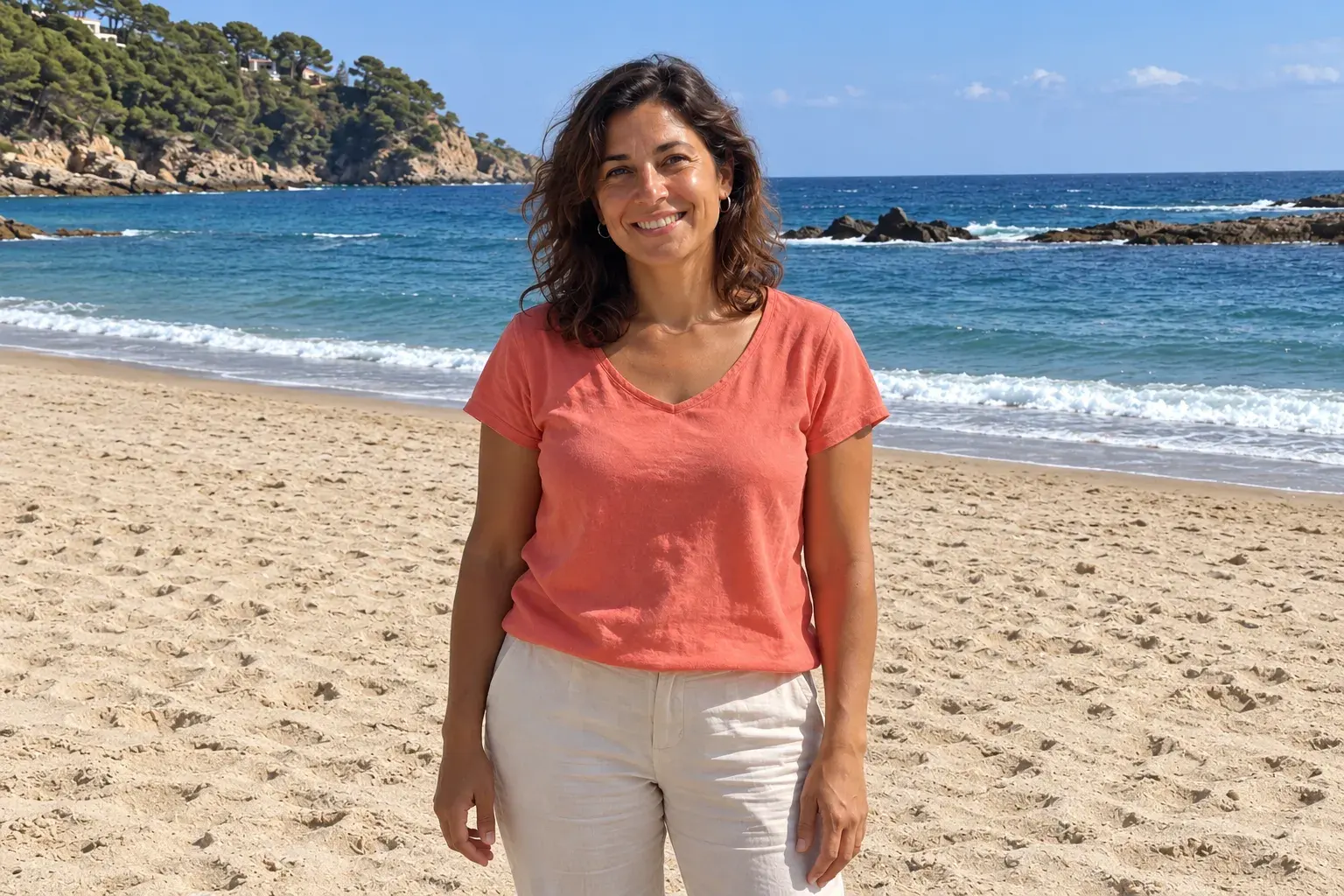
Weekend you, outdoors
0:00 / 0:00
Intro video, talking
Photos for other people
Your city. Your light. Your photo.
Pick the place, add a few selfies, and get the shot. Then make it move.