Create anything
If you can say it,
you can see it.
Type what you want. Toggle Me to put yourself in it. Switch to Video to make it move. Most photos are ready in about 60 seconds.
- + AddAttach a photo to guide it: a jacket, a product, your dog.
- MeOn puts you in the picture. Off makes anything else.
- Photo or VideoSame sentence. A still, or a 5 to 10 second clip.
- ShapePortrait, square or wide. Made for where it's going.
The Me toggle
Same sentence. Flip one switch.
Me on puts you in the picture, and it still looks like you. Me off makes anything else: the product, the place, the plate of food.
- 1Add a few clear selfies. You only do this once.
- 2Turn Me on and describe where you want to be.
- 3Turn it off for everything that isn't you.
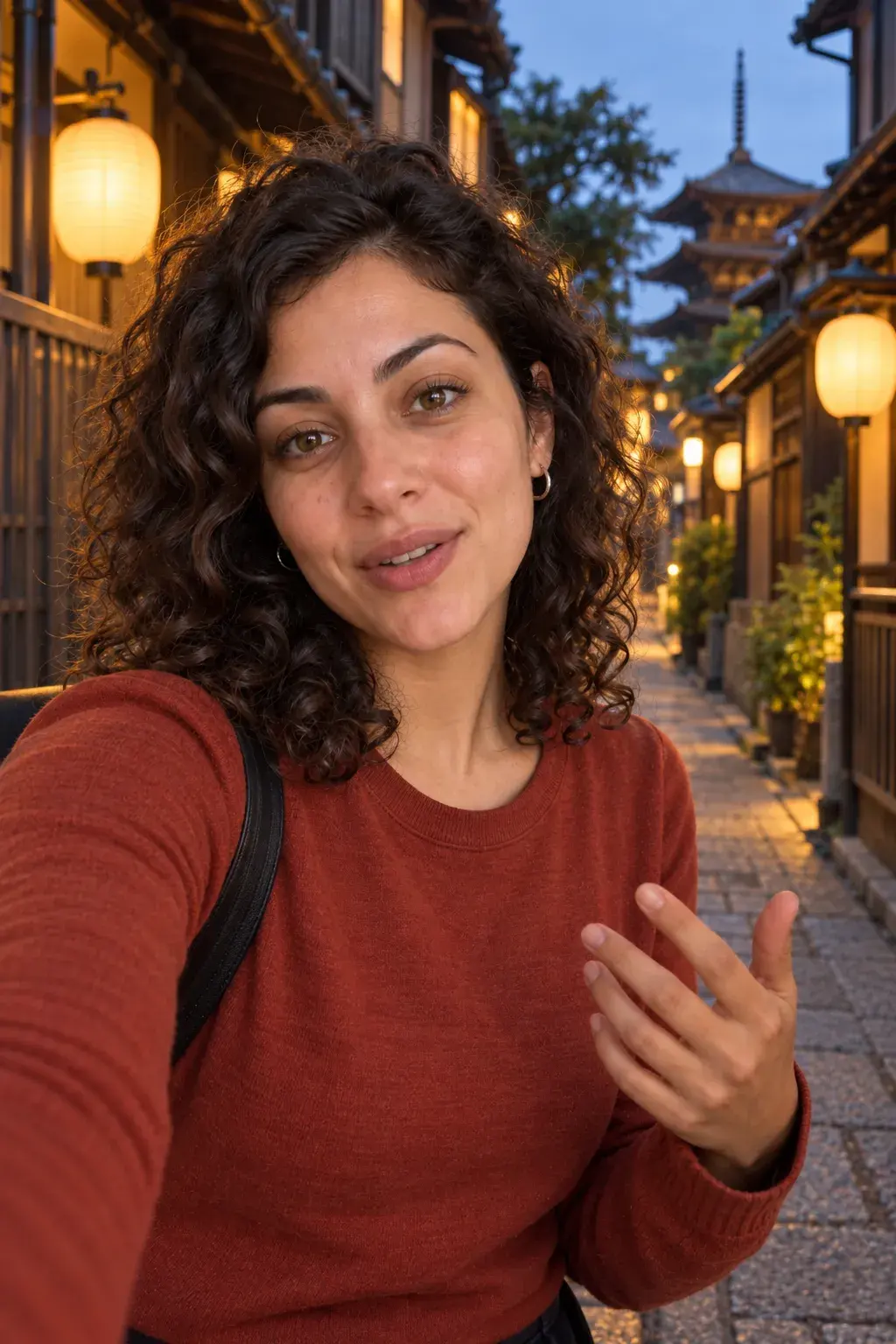
A lantern-lit street in Kyoto at night, wet stones, shot on film
Examples
Steal these prompts.
Copy one, change a word, make it yours. Plain sentences work. No special words needed.
 Work headshotMe“Me in a navy blazer against a warm gray wall, soft window light”
 TravelMe“Me on a rooftop in Lisbon at golden hour, olive tee, shot on film”
 Product shotMe off“Speckled ceramic mug on marble, soft morning light, a sprig of eucalyptus”
 Food and menusMe off“A bowl of penne on an old wooden table, soft side light, linen napkin”
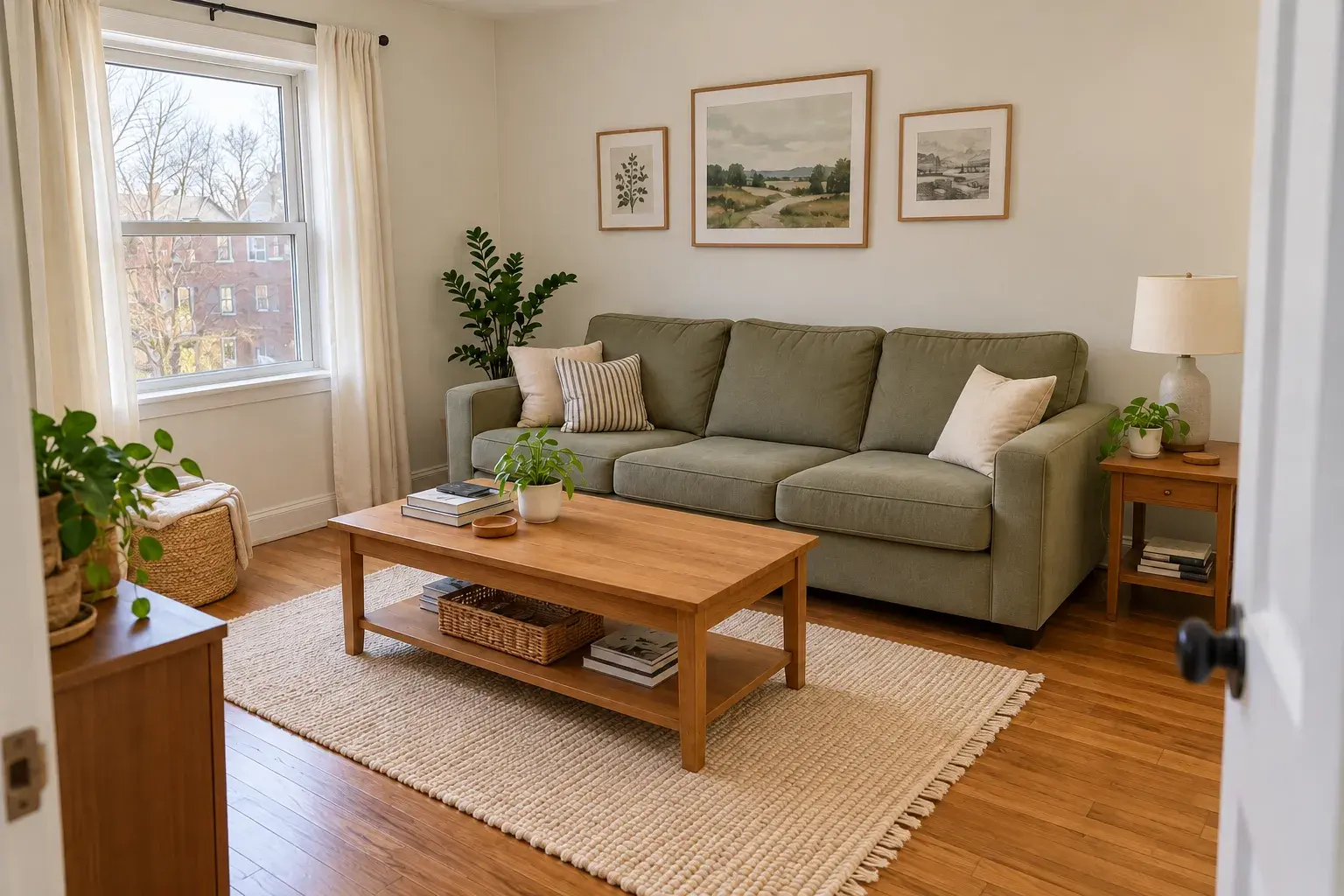 InteriorsMe off+ 1 photo“This green sofa in a sunlit living room with oak floors and white walls”
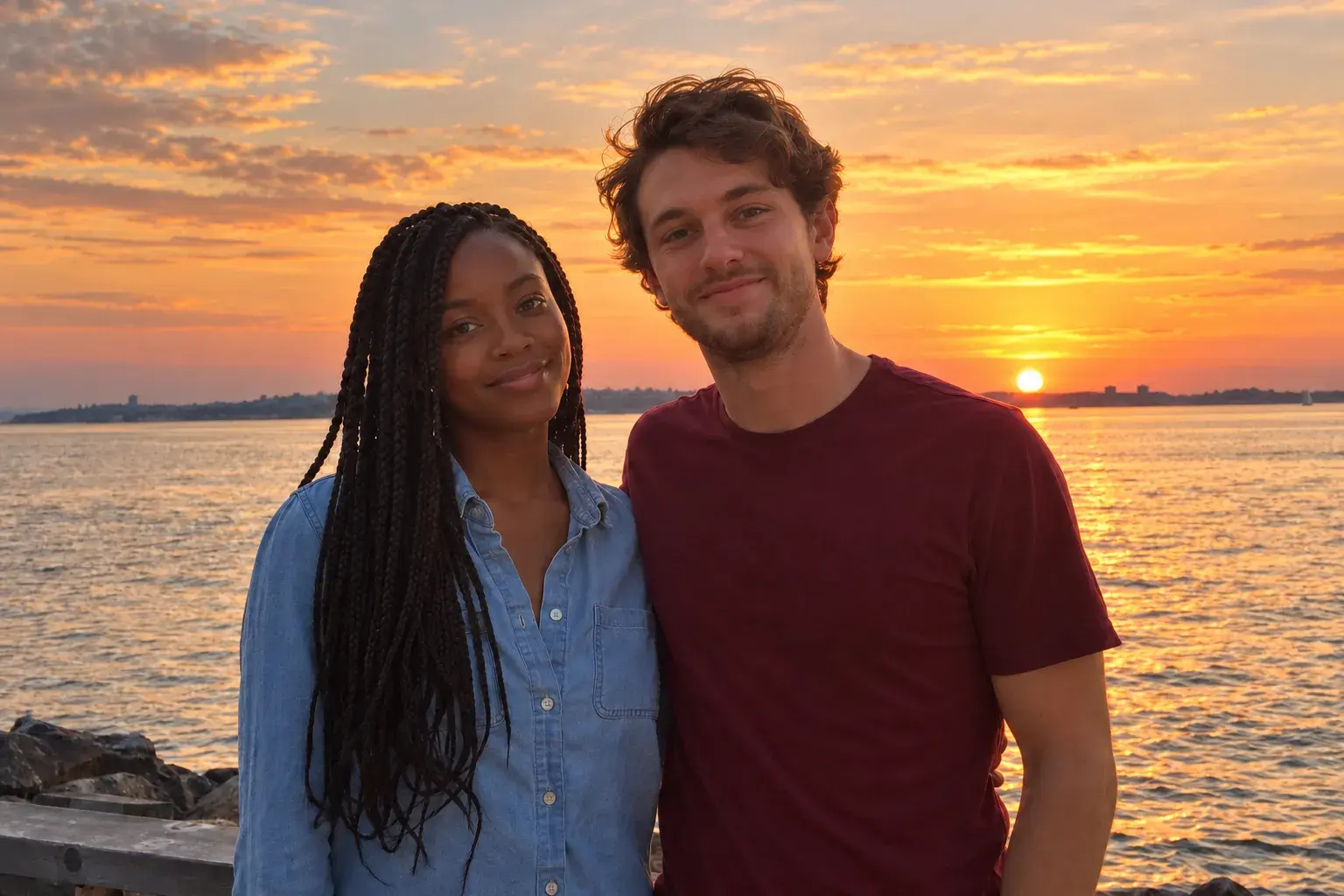 MemoriesMe+ 1 photo“Me and my best friend by the sea at sunset, candid, warm light”

Reference photos
Show it what you mean.
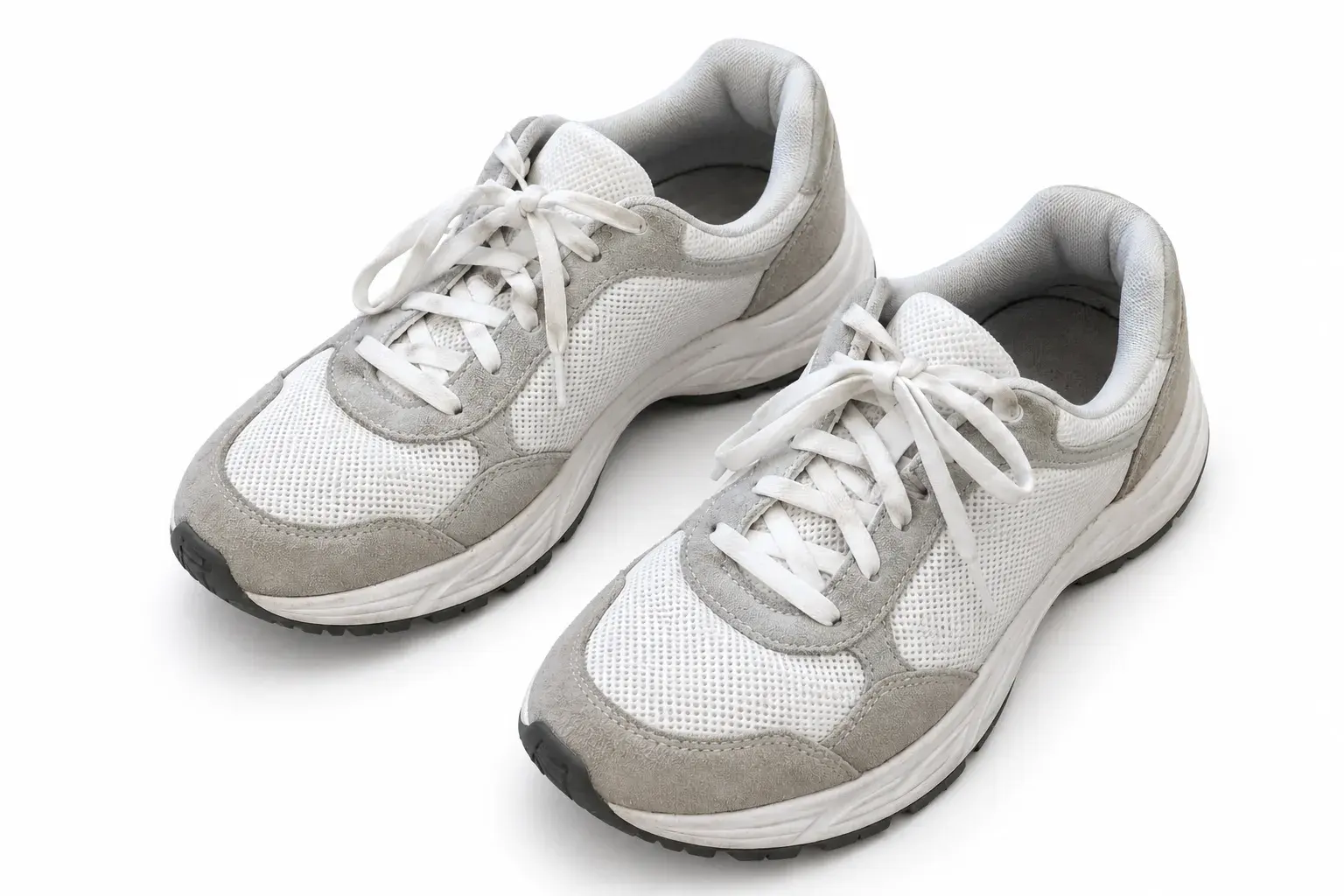
Words get you close. A photo gets it exact. Tap + to attach the jacket, the product, the room or the dog, and Magnt follows it.
Styles
Pick a mood,
or write your own.
One tap sets the light, color and feel. Or just say it in the sentence: rainy, neon, 1990s film.
- CinematicDeep shadows, film color
- WarmGolden hour, soft skin
- CleanBright, simple, studio
- VintageFaded, grainy, nostalgic
- NaturalTrue color, daylight
- “Rainy Tokyo night, neon, 1990s film”CustomDescribe any look
Video
Like it?
Make it move.
Switch Photo to Video and the same sentence becomes a 5 or 10 second clip. Already made the photo? Open it in your library and tap Make video.
See everything video can do
Ideas
Not sure where to start?
Pick an idea and fill in the blanks. Each one comes with prompts that already work.
Browse all ideas- Work headshotsLinkedIn, the team page, your speaker bio.
- PortraitsYour best face, in any light you like.
- TravelThe trip photos nobody took of you.
- Social postsA fresh photo for every post, no shoot day.
- Dating profilesNatural photos that actually look like you.
- Product shotsClean, styled and ready for your store.
- Marketplace listingsMake the couch look worth the asking price.
- InteriorsSee the room before you paint it.
- MemoriesThe family photo you wish someone had taken.
- Weddings and eventsSave the dates, invites and thank you cards.
“I uploaded five messy phone photos and got a clean, consistent set I could use across my site and social profiles.”
“The background cleanup and lighting fixes made my marketplace photos look intentional without changing the actual product.”
FAQ
Good questions.
- Do I need to upload photos of myself?
- Only to put yourself in pictures. Add a few clear selfies once and Magnt learns your face. With Me off, you don't need any.
- Will it still look like me?
- That's the point. Your face stays your face. The place, outfit and light change around you.
- What can I make with Me off?
- Products, places, food, rooms, posters, pets, ideas. If you can describe it, you can make it.
- What does the + button do?
- It attaches reference photos: a product, an outfit, a room, a pet. Magnt uses them as a guide so the result matches what you have.
- Can I turn a photo into a video?
- Yes. Switch to Video before you create, or open any photo in your library and tap Make video.
- How long does it take?
- Most photos are ready in about 60 seconds. Videos take a few minutes.
Your first sentence is waiting.
You in Lisbon. A mug on linen. A clip that talks. Type it and see.