Magnt Image API
Better images.Inside your app.
The engine behind Magnt, wired to your own Generate button. Send a sentence, or a photo and what should change. Get one finished image back.
curl https://magnt.app/api/v1/images/generations \
  -H "Authorization: Bearer $MAGNT_API_KEY" \
  -H "Content-Type: application/json" \
  -d '{
    "model": "magnt-image-1",
    "prompt": "A ceramic cup in soft window light",
    "response_format": "image"
  }' \
  --output image.webp
200 OK · image/webp · 1024 × 1024
image.webp, written to disk. Nothing kept on our side.
- Model
- magnt-image-1
- In
- A prompt, plus up to 3 photos
- Out
- One WebP, bytes or base64
- Shapes
- 1:1, 4:5, 3:2, 2:3, 16:9, 9:16
- Sizes
- 1K or 2K
Two ways in. One image out.
The same endpoint does both. Leave images empty to make something new. Attach photos to change them.
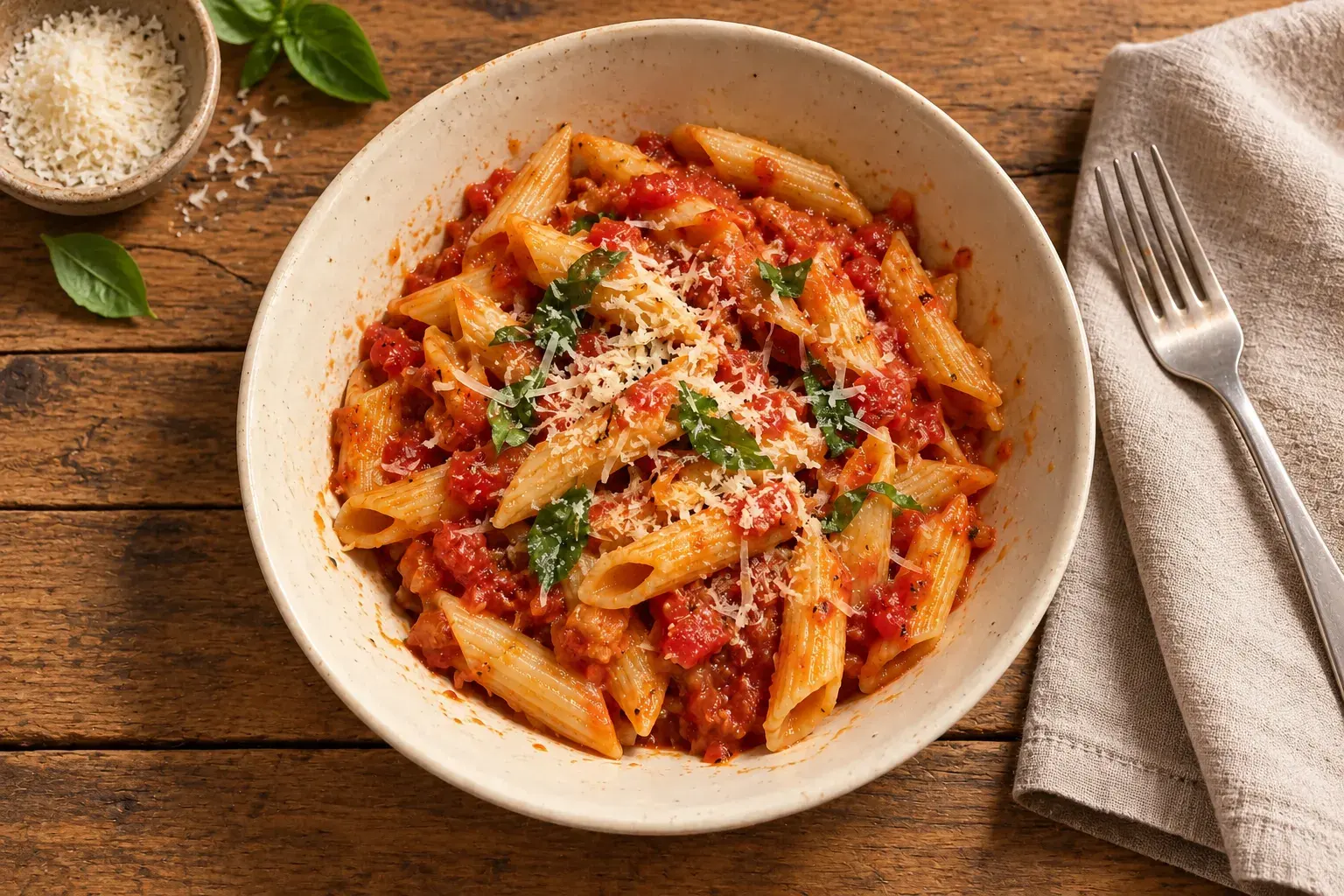
Penne, fresh basil, oak table, warm light
Make it from a sentence.
Describe the scene and pick the shape your layout needs. Get back a realistic photo of a thing that was never photographed.


Fix the photo they already have.
Attach up to 3 photos and say what changes and what stays. Better light, a new background, a cleaner frame. Same product.
The API makes images only. Video lives in the Magnt app: bring a photo to life, shoot a product like an ad, or copy a motion.
See video in the appPrivacy
Your users' photos stay your business.
Every request stands alone. We read what you send, hand back the image, and keep neither. Your app decides what gets saved.
- Prompts
- Not stored. Not logged.
- Photos you send
- Used for that one request, then gone.
- Images we return
- No hosted copy, no history, no URL to leak.
- Faces
- Never remembered from one request to the next.
- What we do keep
- A hash of your key, and a count of what you used.
Per requestCost
- Image at 1K
- 1 credit
- Image at 2K
- 1 credit
- Edit with attached photos
- 1 credit
- Failed or interrupted
- Credit back
Billing
One plan. App and API.
API images draw from the same monthly credits as the Magnt app. There's no second subscription, and a new key doesn't add credits or reset anything.
Basic covers 70 images a month. Studio covers 800. Top-ups kick in when plan credits run out.
See pricingQuickstart
Live before your coffee cools.
- 01
Create a key.
Name a key at magnt.app/developers and copy it. It starts with mgnt_ and belongs on your server, never in a browser or app bundle.
export MAGNT_API_KEY=mgnt_... - 02
Send one request.
POST a prompt with your key as a Bearer token. To edit, add up to 3 photos as base64 data URLs in images.
POST /api/v1/images/generations - 03
Get the bytes.
Ask for response_format image and save the WebP. Or keep the default and decode data[0].b64_json.
200 OK · Content-Type: image/webp
Use cases
What people build with it.
Each guide comes with a working prompt, the right shape, and what to check before a result reaches your users.
- Product photosGive every product a setting that fits.1:1 · edit
- HeadshotsA better portrait, built into your product.4:5 · edit
- Social imagesTurn the post idea into the picture.4:5 · generate
- Editorial imagesGive the story a visual direction.16:9 · generate
- Background editingChange the setting. Keep the subject in focus.3:2 · edit
- Photo enhancementMake a rough photo worth keeping.3:2 · edit
FAQ
Asked before you ship.
- Is there a separate API plan?
- No. API images use the credits on your Magnt plan, the same ones you spend in the app. Each image is 1 credit.
- Do you keep prompts or images?
- No. We use them for that one request and return the result. There's no history to fetch later, so save what you want to keep.
- Does it remember a person between requests?
- No. Each request uses only its own prompt and photos. To make another version, send the source photo again.
- Can I make video with the API?
- Not today. The API returns images. Video, including bringing a photo to life and product clips, is in the Magnt app.
- Can I generate a whole catalogue at once?
- One request returns one image, and there's no batch endpoint. Each account gets 30 requests an hour, shared across its keys.
- Can I call it from the browser?
- Please don't. Anyone who sees the key can spend your credits. Call Magnt from your server and pass the image to your app.
- Does it return a transparent cutout?
- No. You get a complete WebP image. Use it for full background changes, not masks.
- How many keys can I have?
- Up to 10 active keys per account. Revoke one at any time and it stops working on the next request.
Your next feature starts with one image.
Make a key, send one request, see it in your own app today.