Video
Press play on any photo.
Bring a still to life, shoot your product like an ad, or copy a move from our library. Add a script and it talks.
- 5 or 10 secondsPick the length before you start
- 720p or 1080pFor feeds, or for big screens
- Words includedAdd a script and it talks
- Any photoNew, uploaded or from your library
01 · Bring to life
Make it move.
Make it talk.
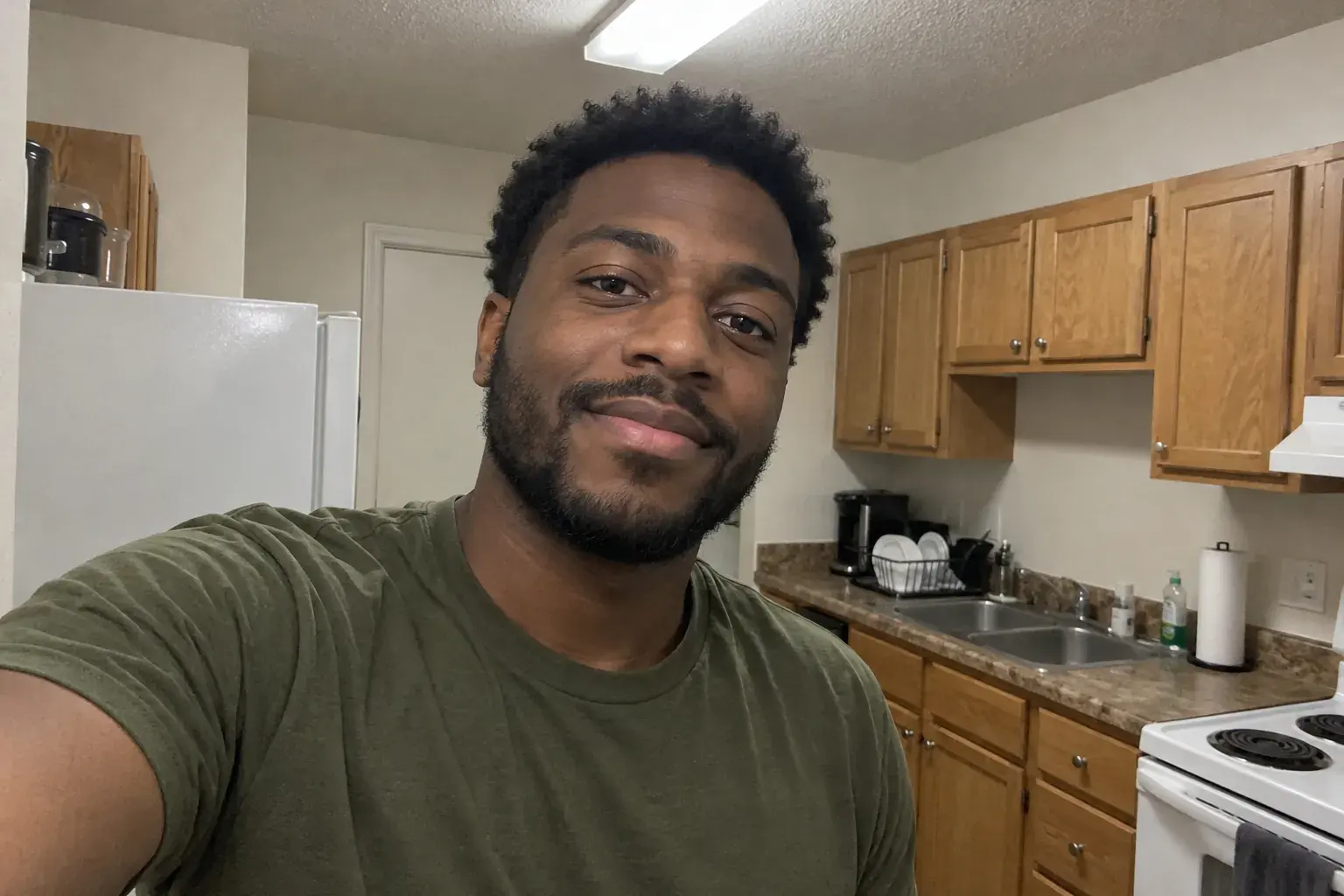
Pick any photo: a portrait, a pet, a place. Describe the motion, or write a script and the person in it says your words.
- Small or big motion: a glance, a laugh, wind in the trees
- Write a line or two and it speaks them
- Works on photos you made here or ones you upload
02 · Product video
Your product, shot like an ad.
Add a photo of what you sell and describe the shot. Get a clip for your store, your ads or your feed. No studio, no crew, no reshoots.
Try saying
- A slow turn on white marble, soft shadows
- Steam rising over the cup, morning window light
- The sneaker drops onto wet concrete, slow motion
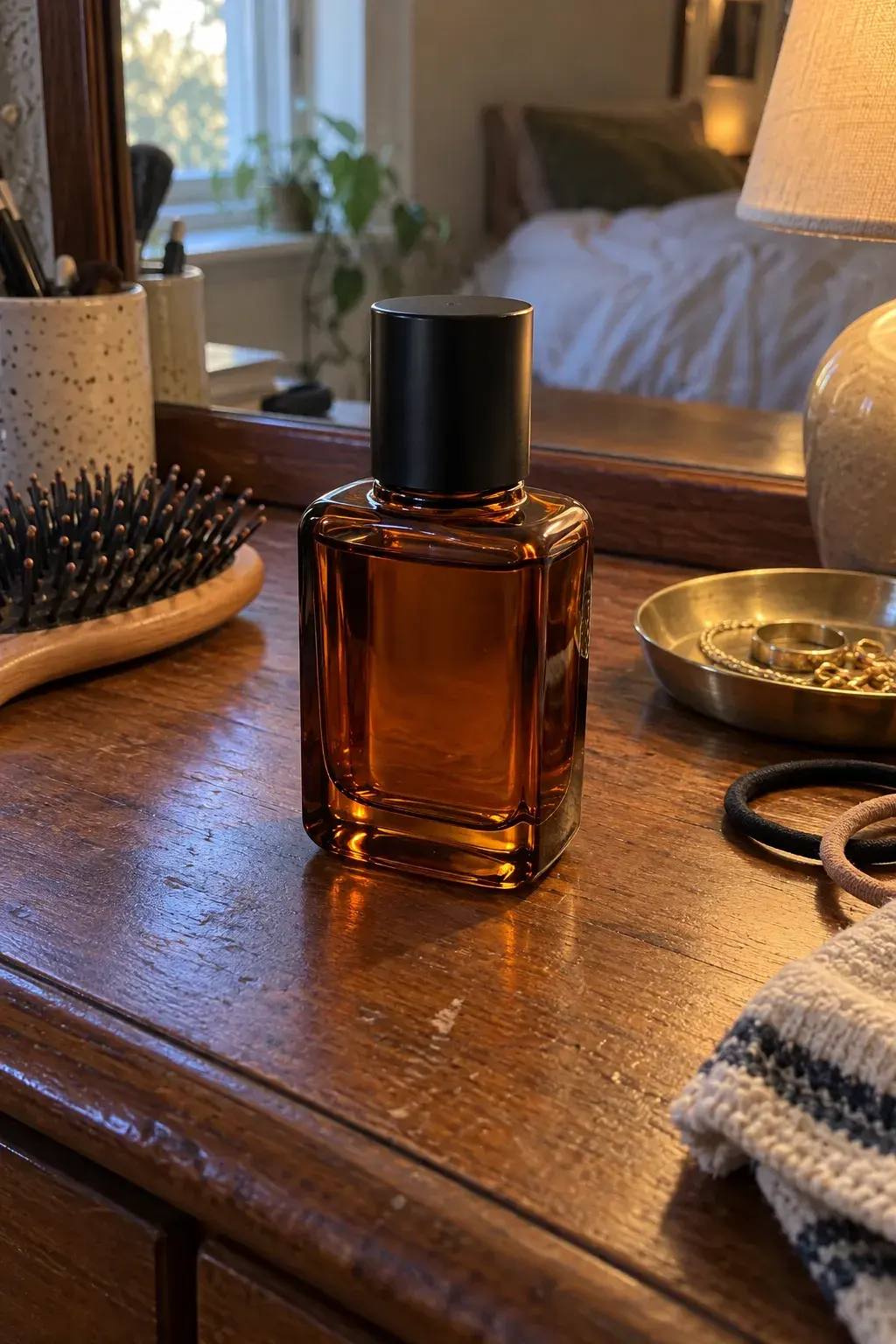 Your product photoAdded with +
03 · Copy a motion
Pick a move.
Your photo does it.
No directing, no acting. Choose a move from our library and apply it to any photo. Walk into frame, turn to camera, raise a glass.
Great for intros, product reveals and birthday messages that need a little life.
From your library
Already have the photo?
One click.
Every photo in your library has a Make video button. Headshots, product shots, restored family photos. All of them can move.

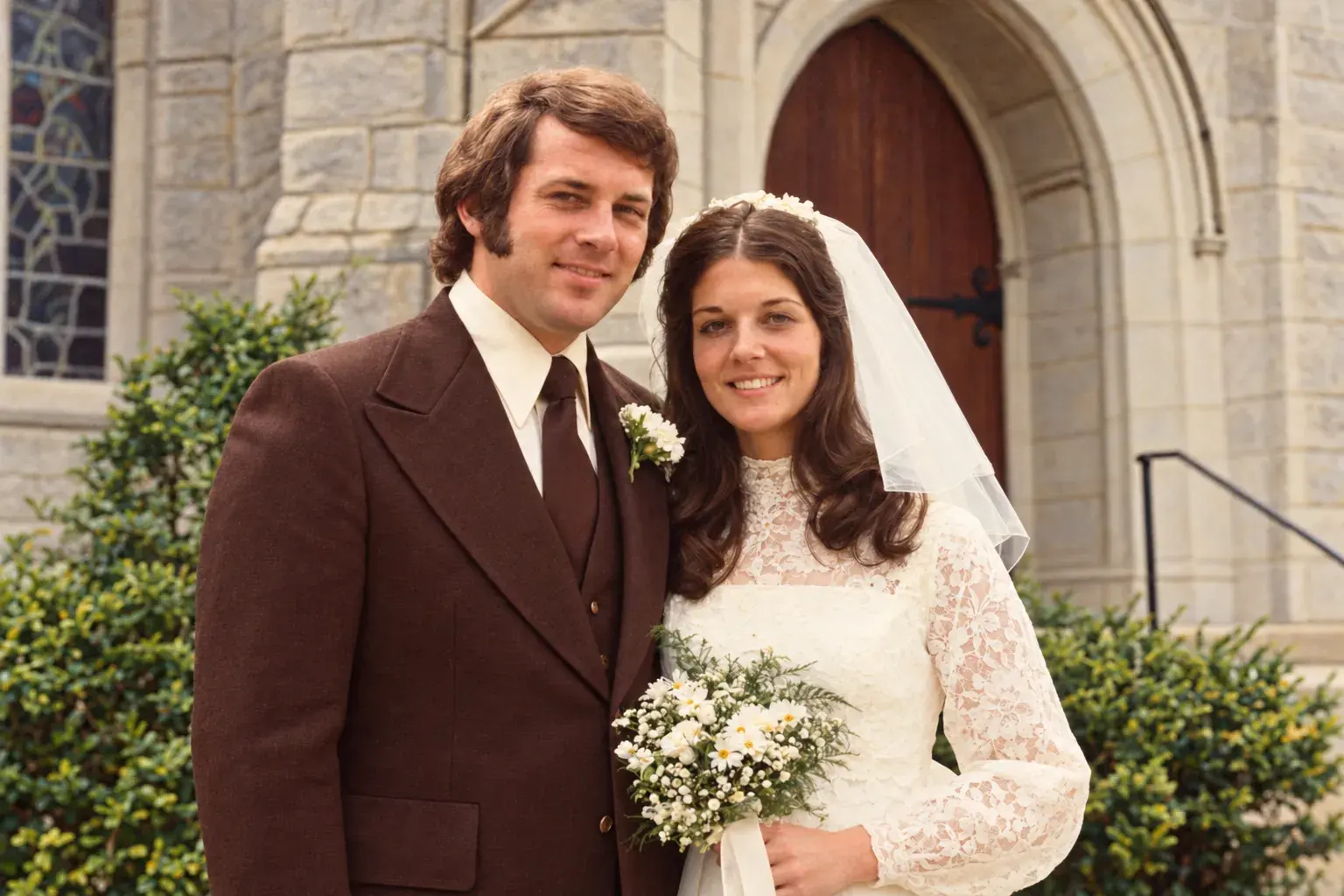 Restored, 1974
Ideas for your first clip
Ten seconds can say a lot.
- Thanks for coming, everyone. 70 looks good, right?Bring to lifeA birthday messageDad’s favorite portrait says thank you at the party.0:00 / 0:00
- Hi, I’m Priya. I help small teams hire.Bring to lifeA talking introYour headshot says hello on your site or profile.
- Product videoA product teaserA slow turn on marble for your launch post.0:00 / 0:00
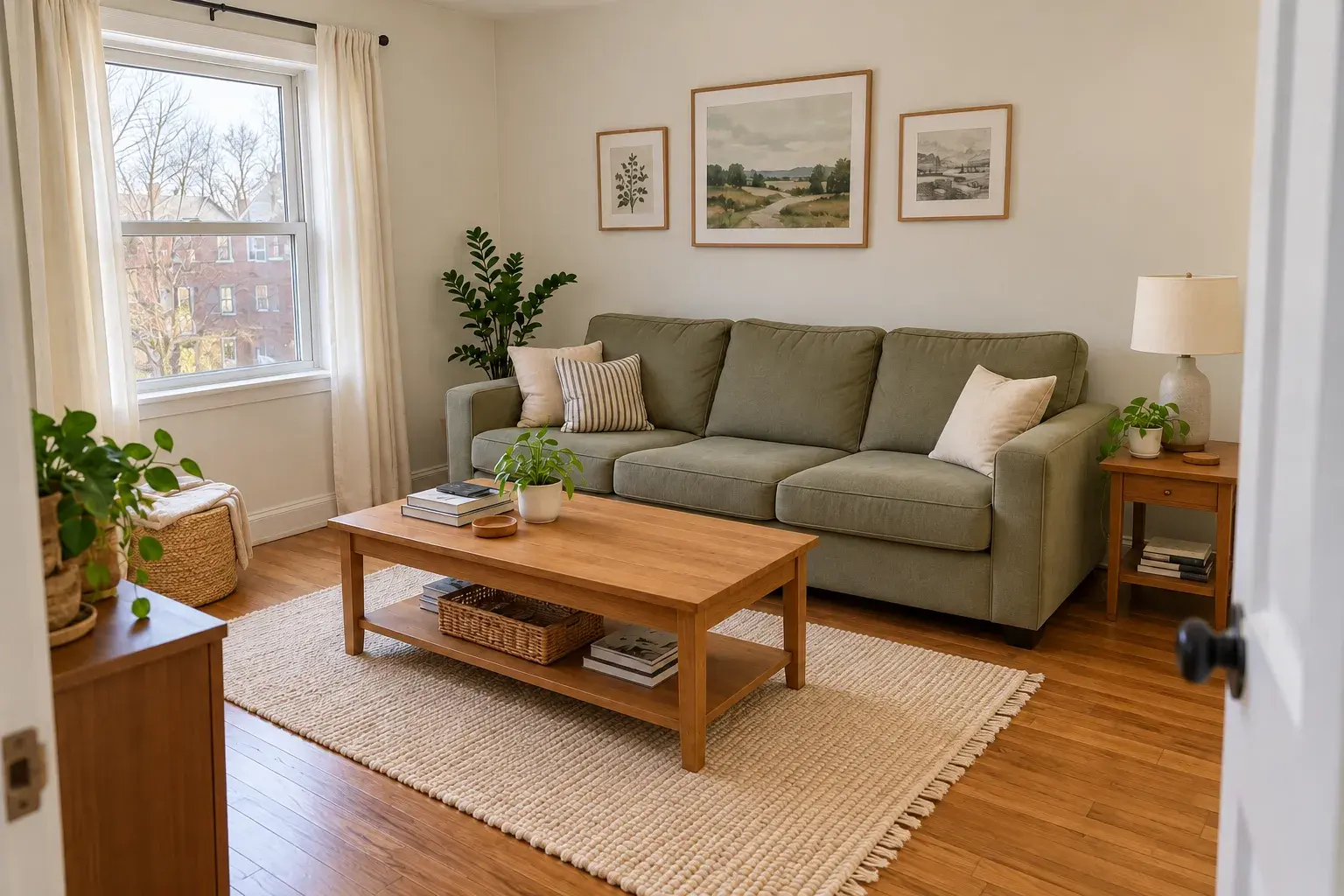
- Copy a motionA listing walk-throughA slow push into the living room you're renting out.0:00 / 0:00
Length, quality, cost
See the cost
before you start.
720p looks great on phones and feeds. 1080p is for big screens and ads. If a video fails, you get your credits back.
See plans| Quality | 5 seconds | 10 seconds |
|---|---|---|
| 720p5 credits a second | 25 credits | 50 credits |
| 1080p12 credits a second | 60 credits | 120 credits |
- Reference photos cost nothing extra
- Failed videos give their credits back automatically
- Pro comes with 120 credits a month, about 4 five-second videos
FAQ
Video, answered.
- How long does a video take?
- A few minutes. You can keep making photos while it works, and it lands in your library when it's done.
- Can the person in my photo talk?
- Yes. With Bring to life, add a script and they say it.
- Can I upload my own video to copy a move?
- Not right now. Moves come from the Magnt library: a slow turn, a walk-in, a toast and more.
- What photos work best?
- Clear, well lit photos where the subject is easy to see. If yours is old or blurry, fix it first with Restore or Enhance, then make the video.
- Which length and quality should I pick?
- 5 seconds at 720p for quick posts and messages. 10 seconds at 1080p when it needs to look its best.
- What if a video fails?
- You get the credits back automatically. Nothing to ask for.
Pick a photo. Press play.
Any photo you have, or one you make here. It starts moving in a few minutes.