Fix your photos
Turn bad photos
into great ones.
Better light. Scratches gone. Clutter out. Sharp enough to print.
Still looks like you. Not fake.

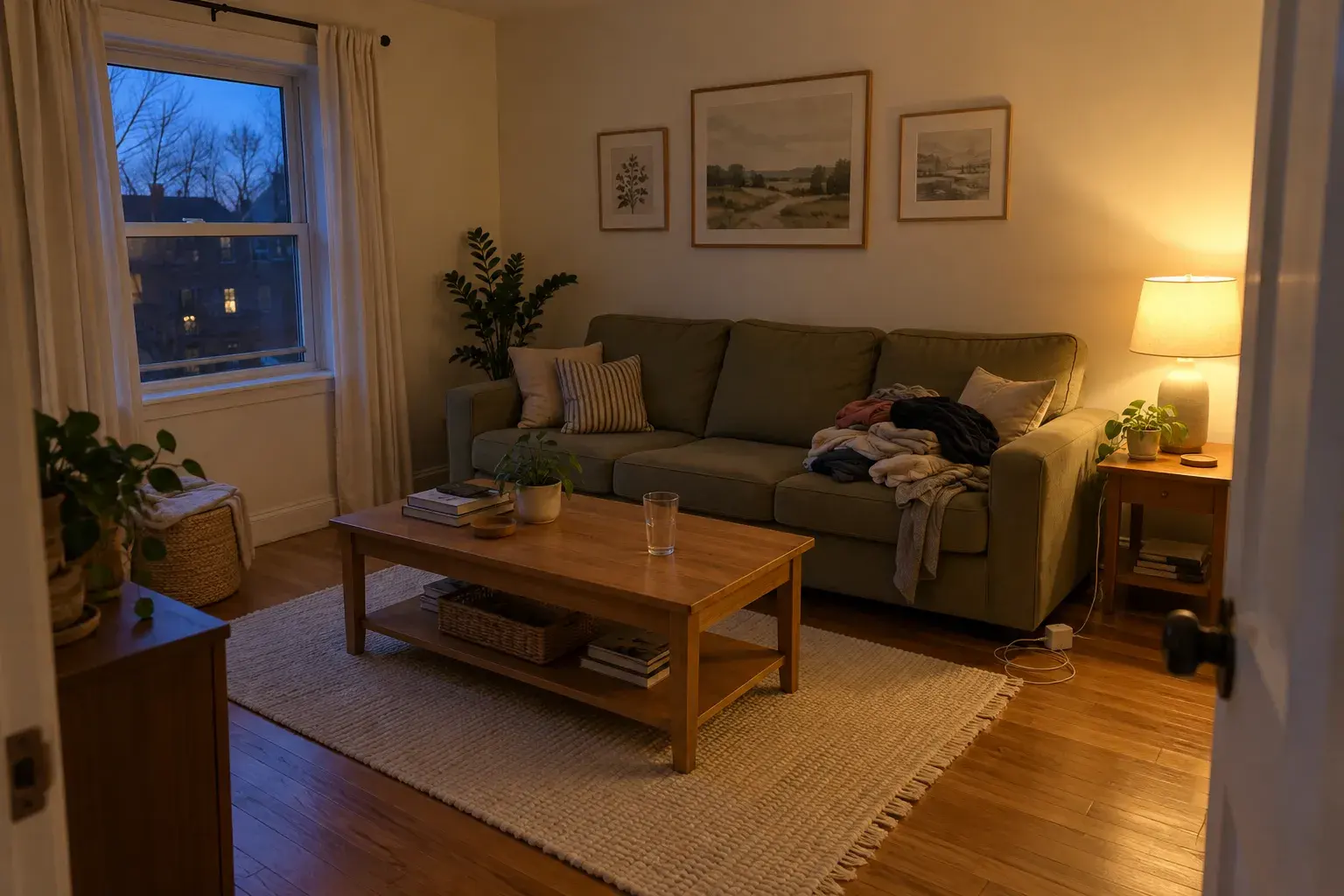
Four fixes
Whatever went wrong, there's a fix.
Upload the photo, pick the fix, or just describe what you want changed. Most are ready in about 60 seconds.
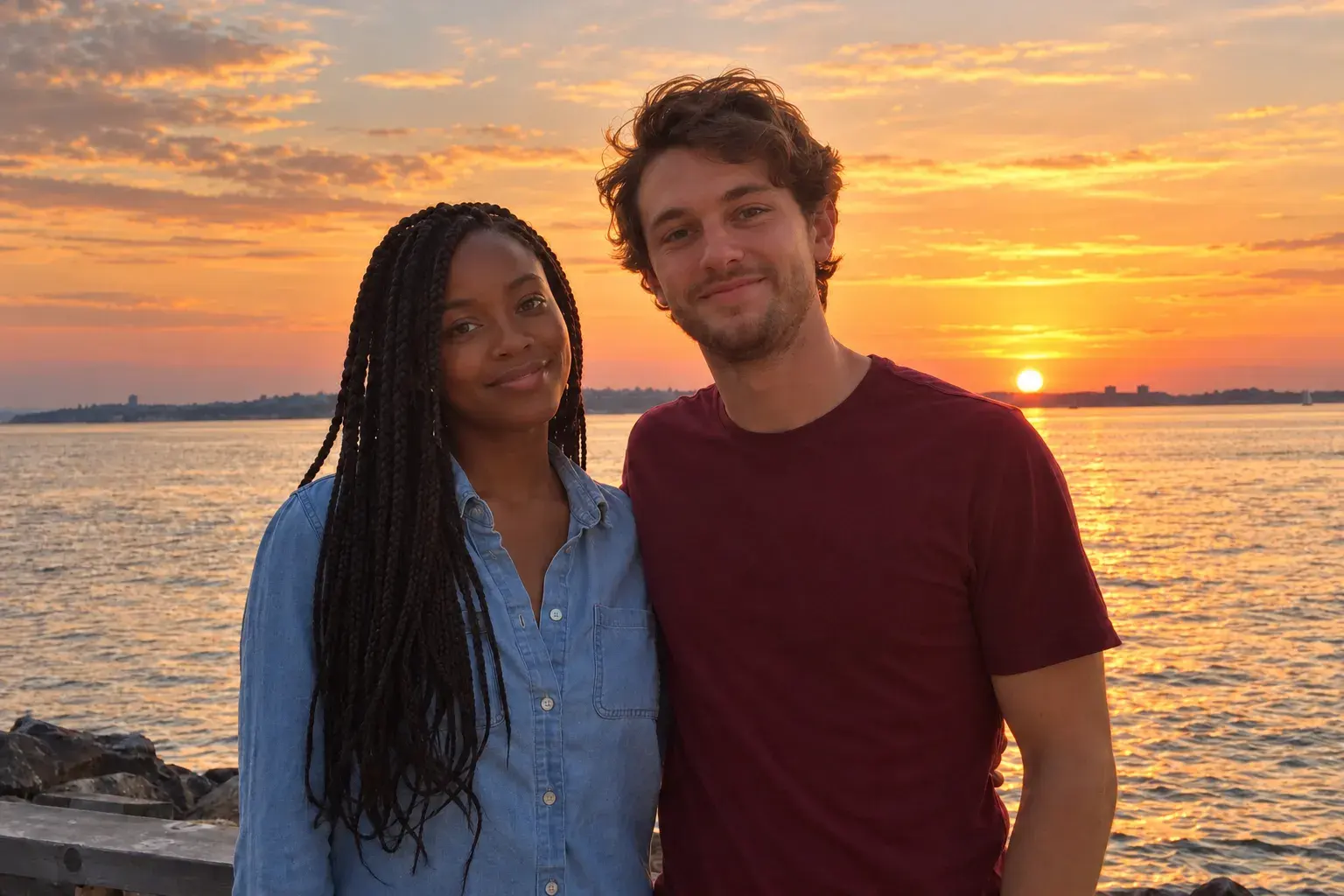
Enhance
The photo you like, with the light, color and sharpness it should have had.
What it fixes
- Dark, flat or harsh lighting
- Dull, washed out or off colors
- Soft focus and grain
- Crooked or awkward framing
 Before
 After
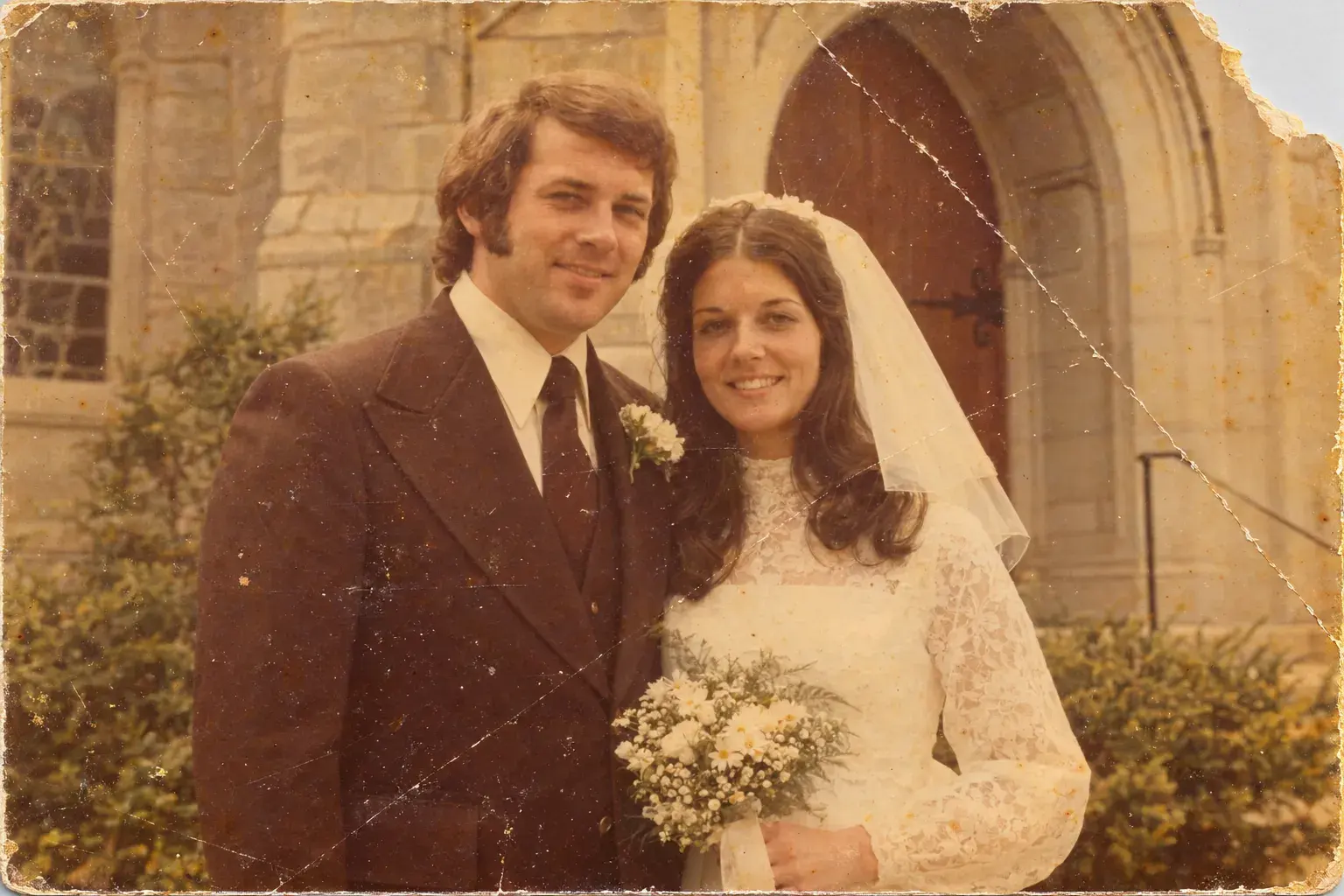
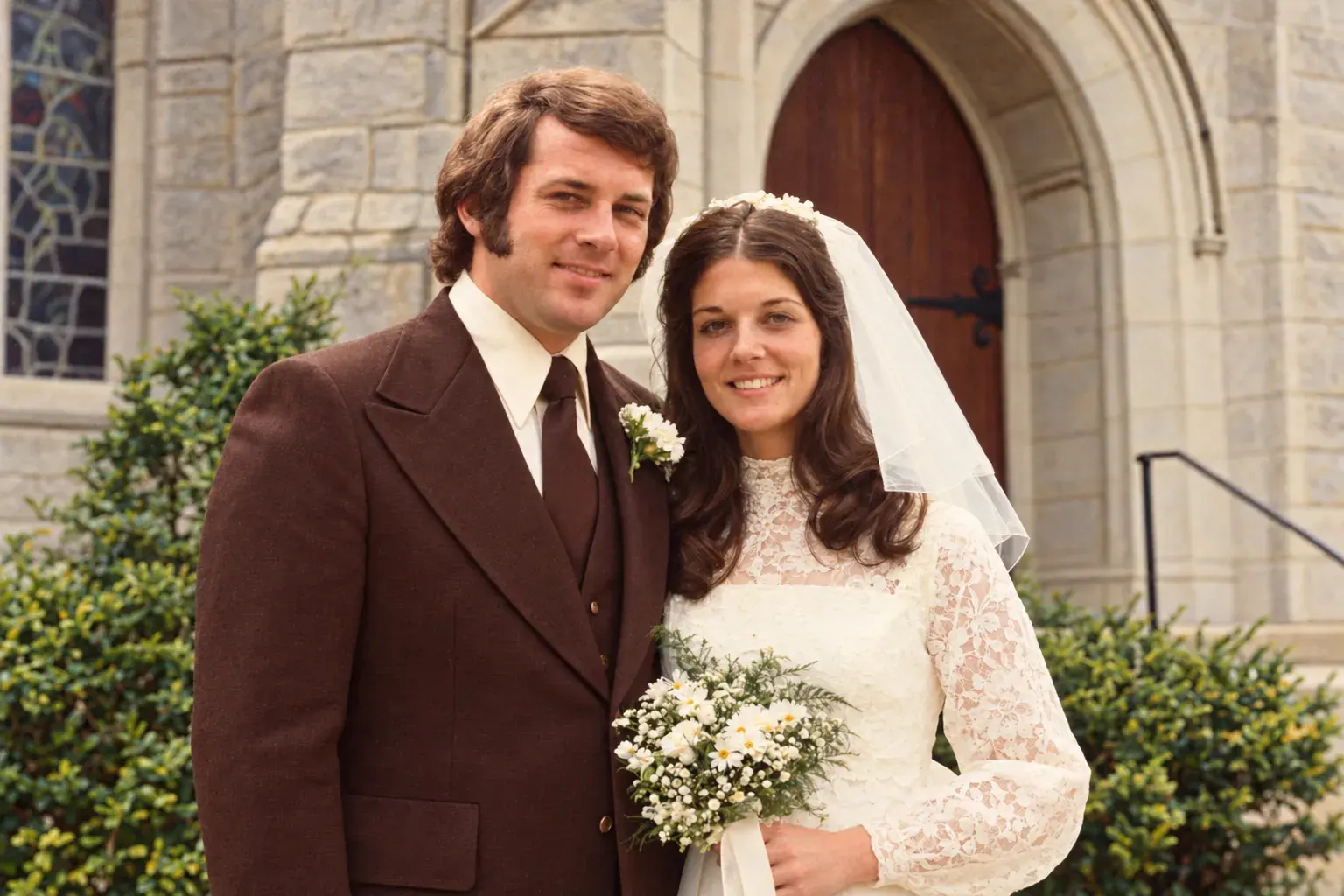
Restore
Your grandparents' 1974 wedding photo, with the scratches and fading gone.
What it fixes
- Scratches, creases, tears and dust
- Faded or yellowed color
- Black and white, brought into color
- Blurry faces in old prints
 Before
 After
Clean up
Keep the moment, lose the mess. Remove what doesn't belong, or swap the whole background.
What it fixes
- Strangers and photobombers
- Clutter, trash cans and cables
- Messy rooms and busy backdrops
- A whole new background
 Before
 After
Upscale
That tiny photo from an old phone, sharp enough to print and frame. Up to 4K.
What it fixes
- Small, low resolution photos
- Soft edges and blocky detail
- Photos too small to print
- Screenshots and saved photos
 Before
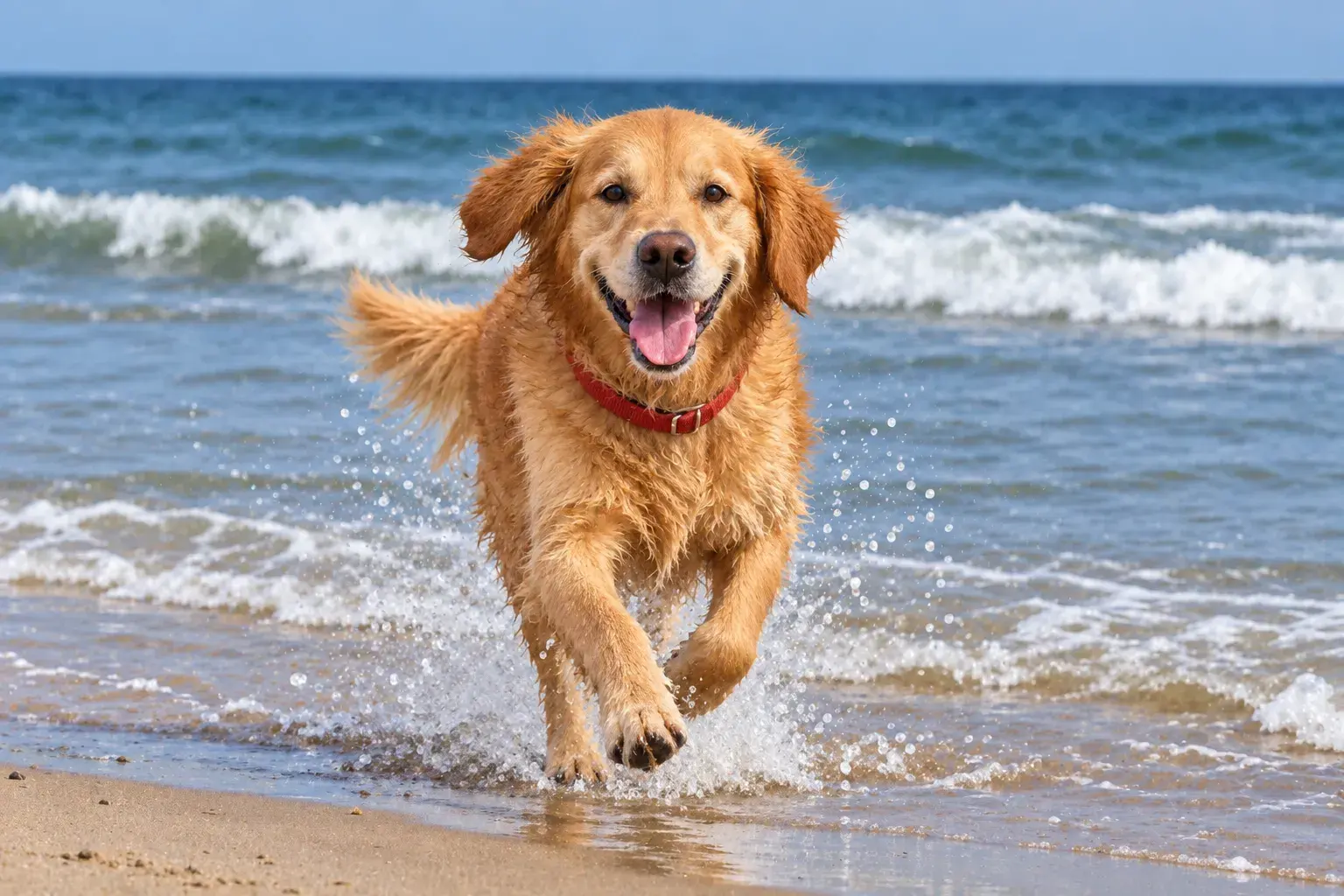 After
Then make it move
Fixed it?
Now press play.
Tap Make video on any fixed photo.
Your grandparents dancing at their wedding.
Your old dog running across the yard again.
Still looks like you.
Not fake.
- Your face stays your faceNo new nose, no plastic skin, no stranger looking back.
- Better camera, not a filterFixes look like the photo was taken right the first time.
- Old photos keep their soulRestored, not remade. The 1974 photo still feels like 1974.
“The restore tool cleaned up scratches and color without making the photo look fake. It still felt like the original.”
FAQ
Before you upload.
- Will it change my face?
- No. Enhance and Restore fix light, color, damage and sharpness. Your features stay yours.
- How do I restore a printed photo?
- Scan it, or take a straight-on photo of it in good light, then upload. Prints, slides and Polaroids all work.
- Can it remove a person from a photo?
- Yes. Clean up removes people, objects and clutter, or swaps the whole background. Just say what should go.
- How big can Upscale go?
- Up to 4K, big enough to print and frame.
- How long does it take?
- Most photos are ready in about 60 seconds.
- Can I turn a fixed photo into a video?
- Yes. Open it in your library and tap Make video.
Find that photo. Fix it tonight.
The faded one. The blurry one. The one with a stranger in it.