Make this photo of you
Your best Bumble photos.
Stand out on Bumble with professional-looking photos. AI enhancement that keeps you looking natural and attractive. Add a few selfies once and your photo is ready in about 60 seconds. Want it moving? One more click.
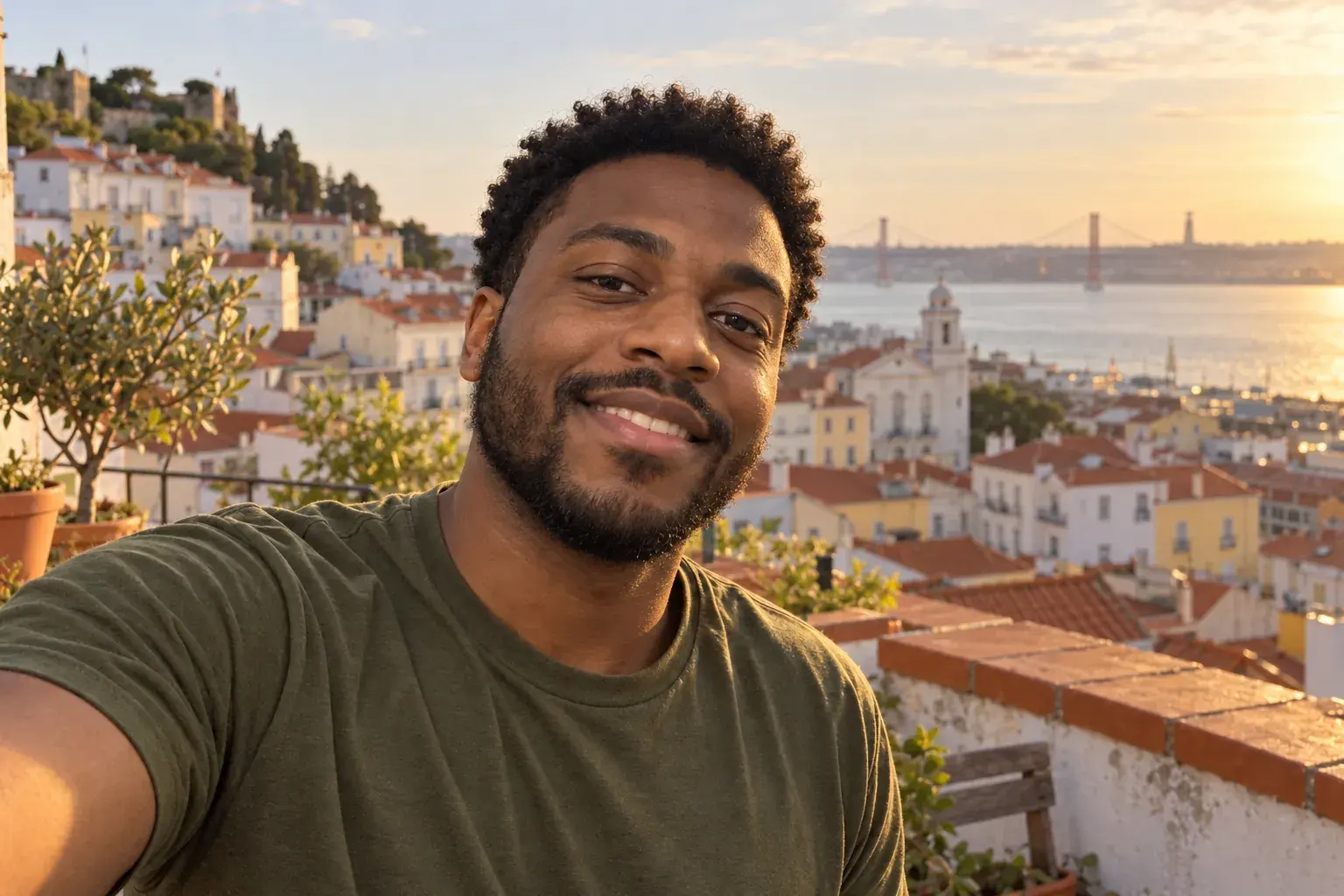
Photo 1, clear and warm
Out doing something
Same shot, slow turn
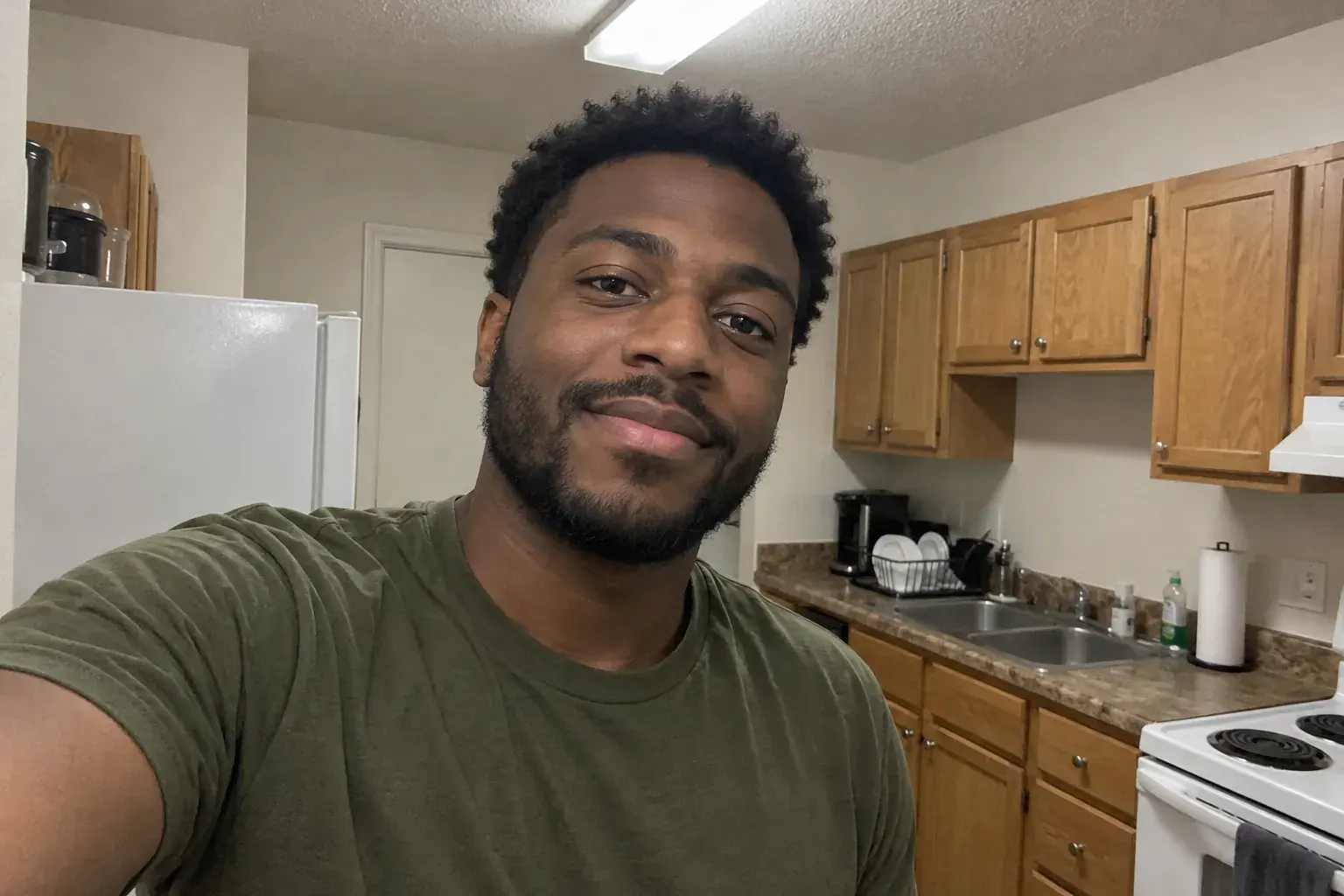 Made fromOne kitchen selfie
Why this shot works
On Bumble, the person matching often has to start the conversation, so people choose carefully. Your profile has to look like someone easy and fun to talk to. Bumble also shows active profiles more often.
01
Photo 1 is warm and clear
Natural light, a real smile. Friendly beats mysterious here.
02
One photo shows you with people
A dinner, a trip, a party. It says you're good company.
03
Your prompts add context
People read them before deciding. Pair one with a photo that backs it up.
04
Shirtless only with a reason
A beach or a pool makes sense. A bedroom mirror does not.
Three steps. No photographer.
- 1
Add a few selfies, once
Magnt learns your face from a handful of clear photos. After that, just switch on Me.
- 2
Use this idea, or say it your way
The prompt is filled in for you. Change the city, the outfit or the time of day.
- 3
Get it in about 60 seconds
Download it full size, try a variation, or turn it into a short video.
Ready-to-use prompt
Me for my Bumble profile, face clear and close, soft window light from the side, a real relaxed smile, a lived-in background softly out of focus, natural skin texture, shot on a 50mm lens.
- Me: on
- Style: Natural
- Shape: 4:5
- Photo, then video
Same Bumble photo, four kinds of light
Swap one line in the prompt and the whole photo changes.
“Hi, nice to meet you.”
The video version
Bring it to life.
Turn your Bumble photo into a 5 or 10 second clip. Pick a move, or type a line and you say it to the camera.
720p or 1080p. Ready in a few minutes.
If you like this one
All ideas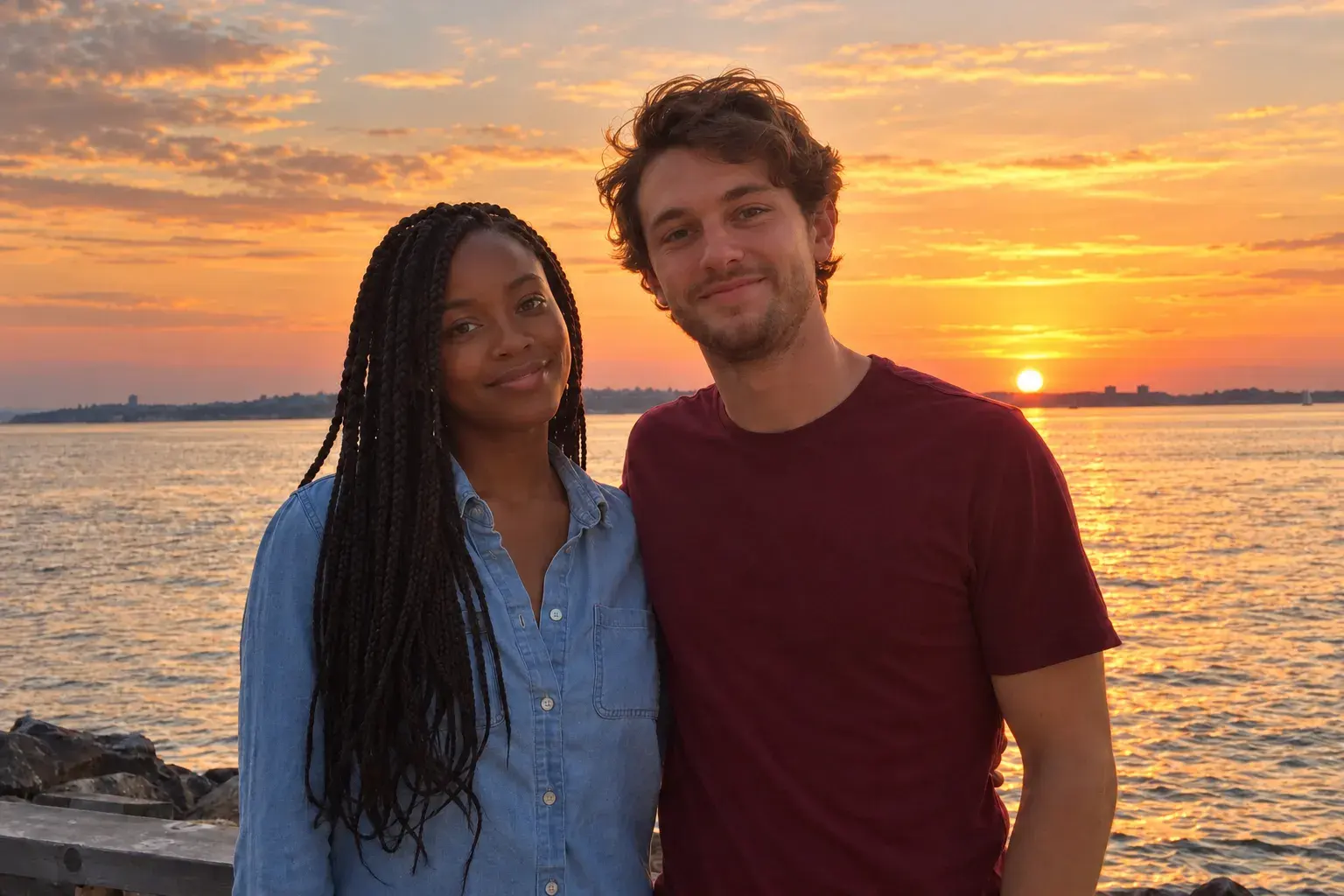
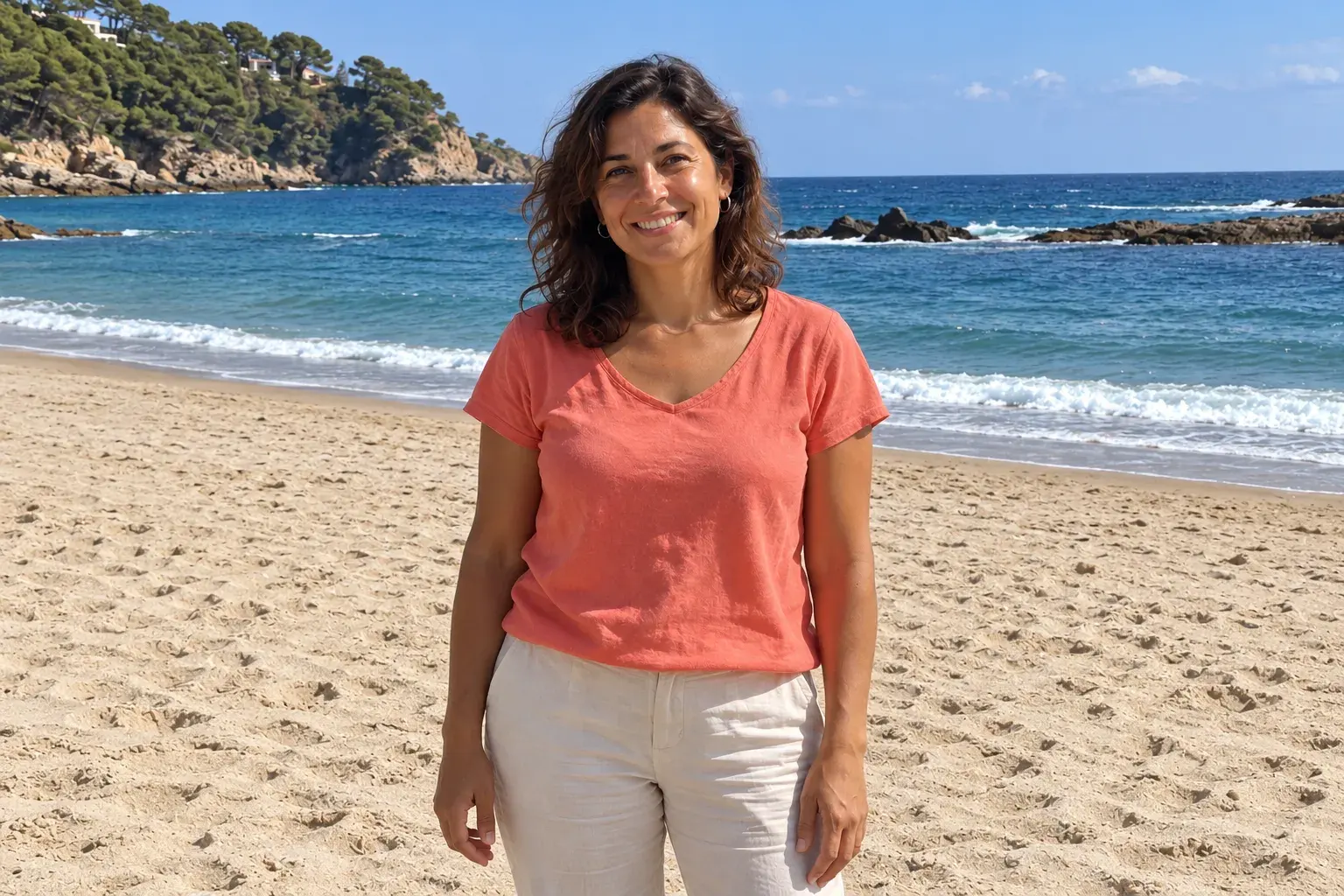
Bumble photos in other cities
Questions
What should my first Bumble photo look like?
A clear, close shot of your face in soft light, with a smile that looks like you mean it. Approachable beats serious.
How many photos should I change?
Start with photo 1, then add one photo with people if you don't have one. Two strong changes usually do more than six small ones.
Will it still look like me?
Yes. Your face, skin and build stay yours. Magnt changes the light and the place, not the person.
How long does it take?
About 60 seconds for a photo. Videos take a few minutes.
Can it talk in the video?
Yes. Type a line and you say it to the camera, in a 5 or 10 second clip.
What if I don’t love the result?
Change one line in the prompt and try again, or ask for a variation. Keep only the ones you like.
Your Bumble photos are ready when you are.
A few selfies in. A first photo that works out. Then make it move.