Not getting matches on Hinge?Start with your photos.
It isn’t a verdict on you. Most of the time it’s the photos: a dark first shot, a group where nobody can find you, six pictures that all say the same thing. That part you can fix tonight.

Why it happens on Hinge
Hinge shows your photos and prompts together, and people start a conversation by liking one specific photo. A headshot on a blank wall gives them nothing to say. A photo of you doing something does.
The one fix to make first
Give people something to comment on.
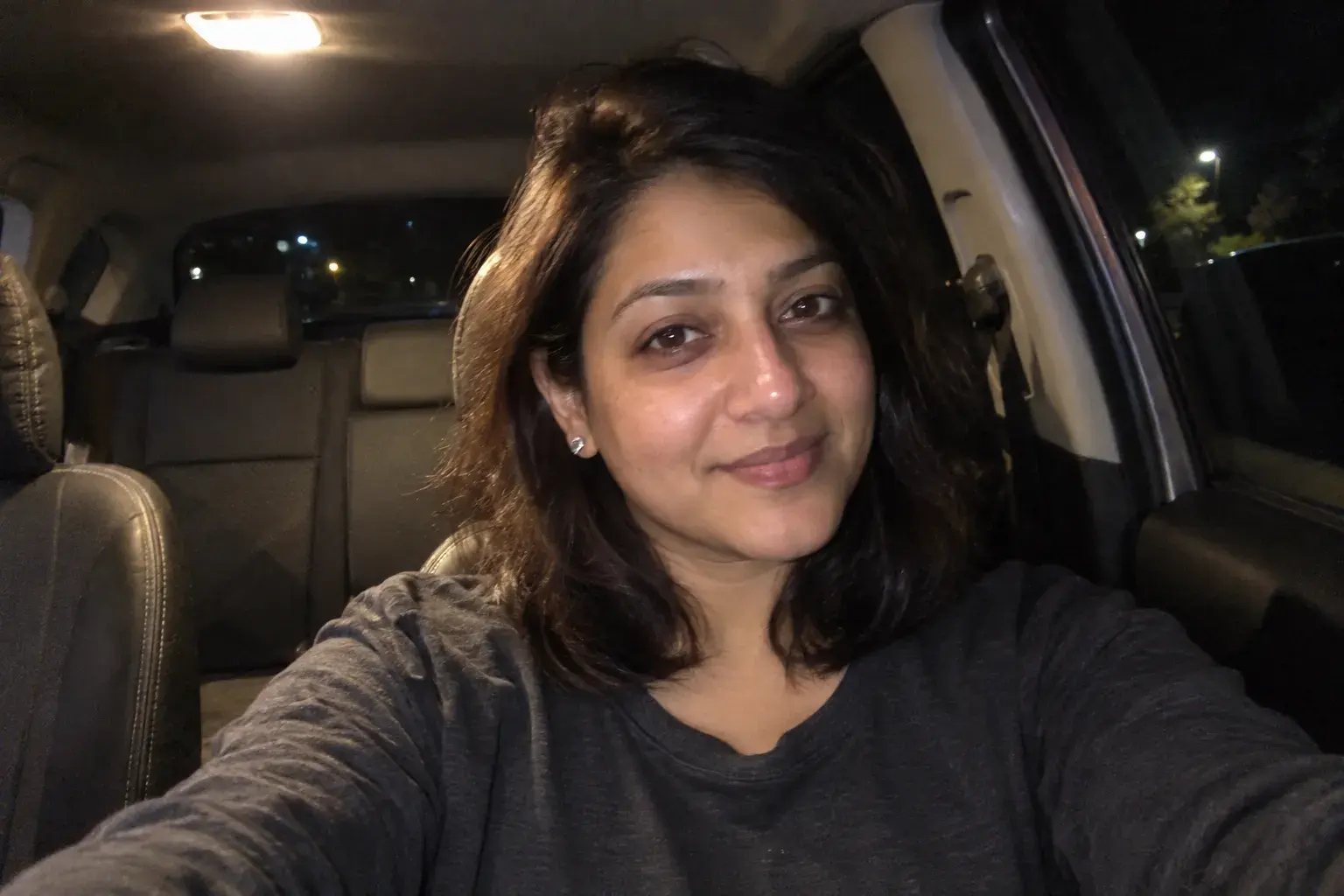
Keep photo 1 a clear, well-lit shot of your face. Then let the rest show your life: an activity, a place, a pet, a project. Each one is an easy opener.
A photo checklist for Hinge
Go through your six photos with this list. Swap one at a time, starting with the first.
Photo 1 is your face, clear and well lit
Hinge still leads with it. No sunglasses, no group, nothing shot from across the room.
One photo shows something specific
Travel, a hobby, a pet. Something a stranger could ask you about.
Two photos have a caption
Hinge lets you add one. It gives people an easy way in.
No two photos say the same thing
If two look interchangeable, keep the better one and fill the gap.
Try one short video
Hinge profiles can show video. Five seconds of you laughing says a lot.
Fix what you have. Make what you’re missing.

Questions
What should my first Hinge photo look like?
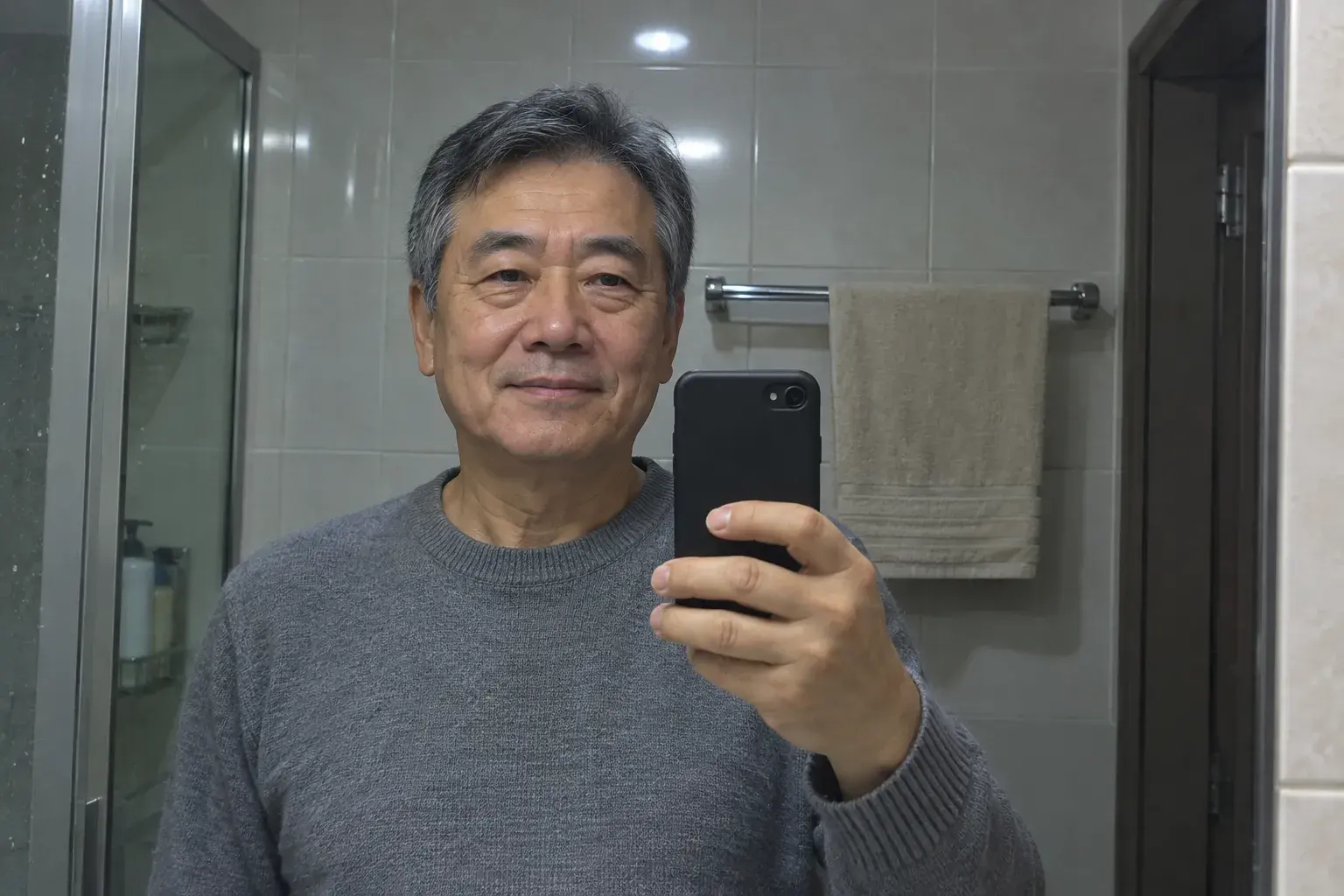
Your face, clear and well lit, with a real expression. Shot from close enough that someone can see your eyes on a phone screen.
Will fixed photos look fake?
No. Magnt fixes light, color and clutter and leaves your face alone. The person who shows up should look like the photos.
How many photos should I change?
Start with the first photo, then swap any two that look the same. On Hinge, one photo that gives people something to ask about can change a lot.
Is it okay to make a photo I didn’t take?
Yes, as long as it shows something true. Make photos of things you really do and places you really go, looking the way you really look. Then it just fills a gap.
How long does it take?
About 60 seconds for a photo. A short video is ready in a few minutes.
Same you. Better photos.
Fix the ones you have. Make the ones you’re missing.